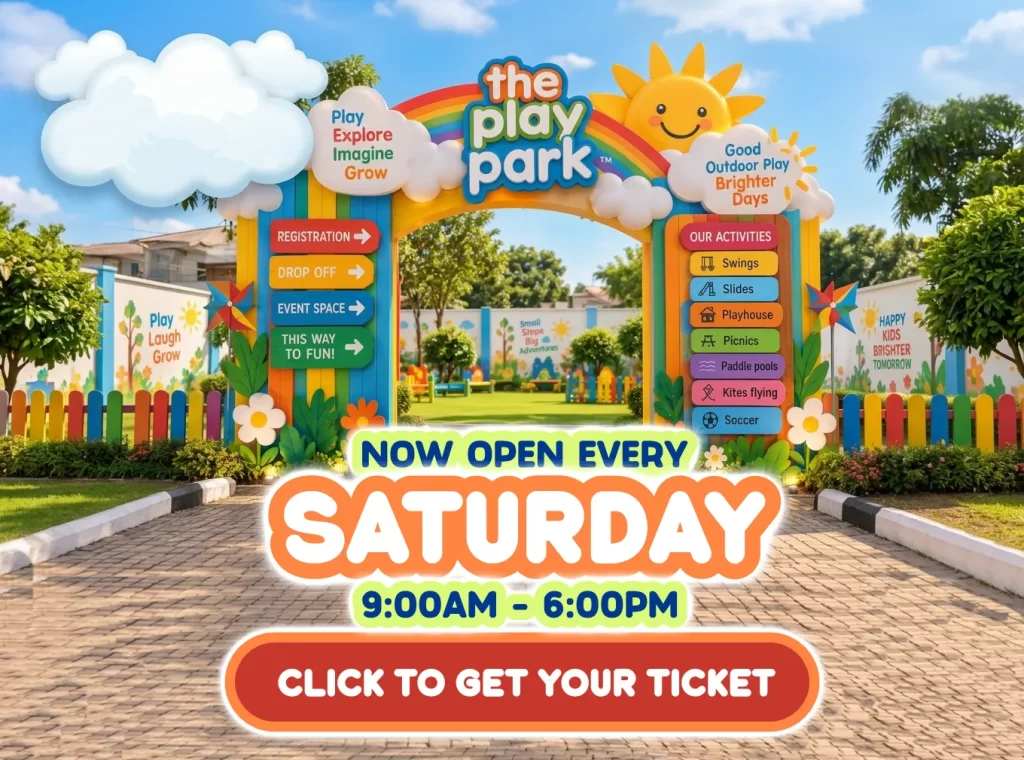
Announcement: The Play Park By The Baby Lounge OPENS this Saturday, Sept. 26th. Click to get tickets.

- Home
- About Us
- Childcare Offerings
-
-
In-Crèche
Virtual
-
In-Home
-
Events & Outdoors
-
-
- Events
- Tour
- Feedback
- FAQ
- Our Framework
- Contact Us


Copyright © 2026 The Baby Lounge Limited. All Rights Reserved. Designed by Uplicom
Privacy & Policy | Terms & Conditions
To enjoy a faster checkout experience and avoid entering your details repeatedly, please create an account on the platform.
Go to User Register or Click on the profile icon (on the top right side of the website).
Select Create Account if you are a new user, or Log In if you already have an account.
To Reorder a Previous Order
Click on the profile icon and log in to your account.
Navigate to Order History or Booking History.
Select the previous order you would like to repeat.
Click Order Again.
This allows you to quickly place repeat orders without having to fill in your information each time.
 Optimized by Seraphinite Accelerator
